
How Does Professional Cable Management Improve a Wall-Mounted TV Setup?
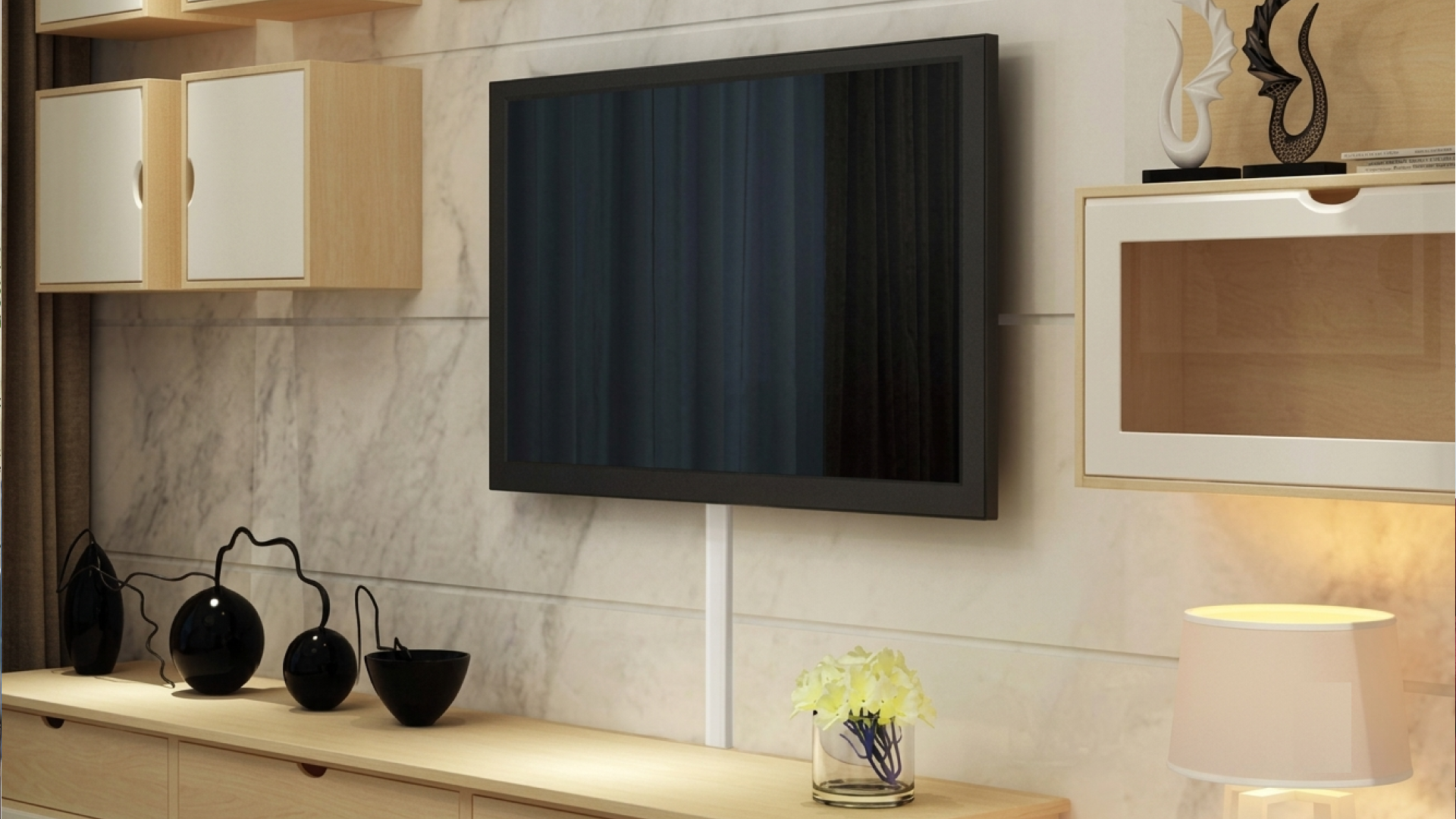
A wall-mounted TV can make a room look cleaner, create a better viewing position, and free up space that a traditional TV stand would occupy. But the result can quickly lose its polished appearance if power cords, HDMI cables, Ethernet cables, and soundbar wires hang visibly below the screen.
Professional cable management solves that problem by organizing, routing, securing, and concealing the cables connected to a wall-mounted TV. Good cable management is not simply about hiding wires. It also helps protect cables from unnecessary strain, keeps connections organized, makes future troubleshooting easier, and creates a more finished installation.
This matters in living rooms, bedrooms, media rooms, offices, conference rooms, and commercial spaces throughout the Dallas–Fort Worth area. A properly mounted television should look intentional from the front and remain practical behind the screen.
What Is Professional Cable Management for a Wall-Mounted TV?
Professional cable management is the process of planning and organizing the cables associated with a TV installation so they are safely routed, secured, and concealed as much as the room and wall construction allow.
A typical wall-mounted TV may require several connections, including:
Power cable
HDMI cables for streaming devices, gaming consoles, or receivers
Ethernet cable for wired network access
Optical audio cable
Coaxial cable
Soundbar connection
USB cables
Other device-specific connections
Simply letting these cables hang behind the television can create clutter and make the installation look unfinished. Professional installation considers where each cable starts, where it needs to end, and how it should be routed without creating unnecessary bends, tension, or visible loops.
Cable Management Is More Than Hiding Wires
There is a difference between hiding a cable and managing it correctly.
A cable can be hidden behind a TV while still being poorly routed. For example, tightly bending a cable, allowing connectors to carry the weight of a long cable, or making it difficult to access important connections can create problems later.
Good cable management considers appearance, accessibility, equipment compatibility, cable protection, and the physical characteristics of the wall.
Common Cable Management Methods
The appropriate method depends on the wall, equipment, cable type, and desired appearance.
Common approaches include:
Concealing cables within approved in-wall pathways where appropriate
Using surface-mounted raceways or cable channels
Routing cables behind furniture or architectural features
Securing excess cable behind the TV
Grouping related cables together
Leaving appropriate service slack for future adjustments
Positioning connections so they remain accessible
The goal is a clean installation without creating unnecessary complications.
Why Does Cable Management Matter After TV Mounting?
The TV itself may be the centerpiece of the installation, but the supporting connections determine how practical the setup is.
A wall-mounted television can have a beautiful screen position and still look messy because several cables extend downward from the display. Professional cable management addresses this overlooked part of the installation.
It Creates a Cleaner Appearance
Visible cables can distract from a wall-mounted television. A neatly organized installation puts attention on the screen instead of the wiring.
This is particularly noticeable on large, open walls where cables have nowhere to visually disappear. Concealed or carefully routed wiring gives the installation a more intentional appearance.
It Reduces Cable Clutter
Modern entertainment systems often involve more equipment than just a TV.
A setup might include a streaming device, game console, soundbar, Blu-ray player, network connection, or AV receiver. Without a plan, each device can introduce another cable.
Organizing these connections makes the entire entertainment area easier to understand and maintain.
It Makes Future Troubleshooting Easier
A properly managed installation can also make it easier to identify which cable connects to which device.
Imagine troubleshooting a picture problem with six identical HDMI cables tangled behind a TV. Finding the correct connection becomes unnecessarily difficult.
Labeling, grouping, and routing cables logically can save time when equipment needs to be replaced or disconnected.
How Does Professional Cable Management Improve a Wall-Mounted TV Setup?
Professional cable management improves a TV wall mounting setup in several practical ways.
1. It Improves the Overall Appearance
The most obvious benefit is visual.
A wall-mounted TV is often installed specifically because homeowners want a cleaner, more modern appearance. Loose cables can undermine that goal.
Properly routed wiring keeps the wall visually organized and reduces distractions around the screen.
2. It Protects Cables From Unnecessary Stress
HDMI, Ethernet, optical, and other cables have physical limitations. Excessive bending, pulling, twisting, or pressure around connectors can place unnecessary stress on the cable and its connections.
Professional installation takes cable routing into consideration instead of simply forcing everything into the smallest possible space.
Avoiding Excessive Bends
Cables need enough room to route naturally. A cable should not be sharply folded simply to make it disappear behind the television.
A professional installer can plan the path so the cable reaches its destination without unnecessary tension.
3. It Keeps Connections Organized
A well-organized TV setup makes it easier to understand what is connected.
For example, HDMI connections may serve different devices. Ethernet may connect the TV to the home network. An audio connection may run between the TV and soundbar.
Separating and organizing these cables reduces confusion during future equipment changes.
4. It Supports a Cleaner Soundbar Installation
A soundbar mounted below a TV creates another cable-management challenge.
The audio connection and power cable need to reach their destinations without creating an obvious hanging loop. Coordinating the TV and soundbar installation at the same time allows the wiring to be planned as one system.
5. It Helps Maintain a Professional Look
Cable management is especially valuable in commercial environments.
Conference rooms, offices, waiting areas, restaurants, and other businesses may have wall-mounted displays in highly visible locations. Unorganized wiring can make an otherwise professional space look unfinished.
A clean installation helps keep the technology integrated with the room instead of making the wiring a focal point.
What Does a Professional TV Cable Management Process Look Like?
Professional cable management typically begins before the cables are routed.
Step 1: Inspect the Installation Area: The installer evaluates the wall, TV location, nearby power sources, connected equipment, and intended viewing position. Wall construction matters because drywall, brick, concrete, and other surfaces may require different installation approaches.
Step 2: Identify Every Required Connection: Before routing anything, the installer determines which devices will connect to the television. This might include streaming devices, gaming systems, soundbars, AV receivers, cable or satellite equipment, network equipment, and external media players.
Step 3: Plan the Cable Routes: The next step is determining where each cable should travel. The shortest route is not always the best route.
Step 4: Route and Secure the Cables: Once the route is established, cables can be organized and secured. Excess cable should be managed rather than compressed into an overly tight bundle.
Step 5: Test the Equipment: Cable management should not be treated as complete until the connected equipment has been tested.
Step 6: Check the Finished Installation: The final inspection looks at both function and appearance.
What Is the Difference Between Basic and Professional Cable Management?
Basic cable management often focuses on making wires less visible, while professional cable management takes a broader, more systematic approach. Basic methods may bundle excess wires or use quick concealment without planning routes or considering future access. In contrast, professional cable management plans routes before installation, considers both appearance and function, and ensures connections remain accessible for future maintenance.
Should TV Cables Be Hidden Inside the Wall?
In-wall cable concealment can create an exceptionally clean appearance, but it is not automatically the right choice for every installation.
Wall construction, local requirements, cable type, power connections, and the specific installation should all be considered before placing wiring inside a wall.
When Surface Cable Management Makes Sense
A raceway or cable channel can be a practical alternative when opening the wall is undesirable or unnecessary.
Modern cable-management channels can be installed neatly and, in some rooms, painted to blend with the wall.
When Planning Matters Most
If a homeowner is remodeling or building a new media room, cable routing can be considered before the wall is finished.
Planning the TV location, power placement, network connections, and entertainment equipment early can reduce visible wiring later.
Common Cable Management Mistakes to Avoid
Even a high-quality TV can look poorly installed when cable management is overlooked.
Leaving Too Much Cable Behind the TV: Excess cable is sometimes pushed behind the television without a clear organization strategy.
Pulling Cables Too Tightly: A cable should not be stretched simply to create a cleaner appearance.
Blocking Connections: Cables should be arranged so important ports and connections are not unnecessarily difficult to access.
Mixing Every Cable Into One Tight Bundle: Forcing every connection into one extremely tight bundle is not always appropriate.
Ignoring Future Equipment: A TV setup often changes over time as new devices are added.
How Does Cable Management Affect Smart TV and Network Setup?
Smart TVs depend on reliable connectivity for streaming, software updates, applications, and other network-dependent features.
A TV may connect through Wi-Fi or network wiring. If a wired connection is preferred, the Ethernet cable needs to be routed from the network equipment to the television without creating unnecessary visible clutter.
Professional TV installation can coordinate network wiring with the physical mounting process so the display and its connections work together as one setup.
How Does Cable Management Work With a Soundbar?
A soundbar introduces another important cable path below the TV.
Depending on the equipment, the soundbar may require power and an audio connection to the television or another component.
Mounting the soundbar and TV together allows the installer to consider the spacing, alignment, cable routes, and power requirements as a single project.
The result is generally cleaner than mounting the two devices separately and attempting to hide the cables afterward.
Does Cable Management Make a TV Installation Safer?
Good cable management can reduce common physical hazards associated with loose wiring, particularly cables hanging into walking areas or creating unnecessary loops.
Safety also depends on correct TV mounting, suitable hardware, proper power connections, and appropriate handling of the wall and equipment.
Cable organization should never involve unsafe electrical modifications or questionable routing methods simply to achieve a completely invisible appearance.
What Should Homeowners Consider Before a TV Installation?
A few decisions made before installation can make cable management much easier.
Decide which devices will connect to the TV.
Choose the TV location, keeping viewing height and seating in mind.
Consider wired networking if preferred.
Plan for audio equipment like soundbars or receivers.
Think about future changes and upgrades.
What Are the Best Practices for Professional TV Cable Management?
A well-planned installation generally follows several straightforward principles:
Plan the cable routes before mounting equipment.
Identify every connected device.
Avoid unnecessary cable tension and sharp bends.
Keep connections organized and reasonably accessible.
Use appropriate cable-management methods for the wall surface.
Coordinate TV, soundbar, and network wiring when possible.
Leave practical service slack where needed.
Test all connected equipment after installation.
Keep cables away from areas where they can become a trip hazard.
Prioritize safe electrical practices over visual perfection.
Can Professional Cable Management Help With Home Entertainment Upgrades?
Yes. A well-organized installation can make equipment changes easier because cables are easier to identify and access.
Suppose a homeowner replaces an older streaming device with a newer model. If the cables are organized and the connections are easy to identify, the replacement is less confusing.
The same applies to TV relocation, soundbar upgrades, gaming equipment, and network changes.
This is one reason cable management should be viewed as part of the overall TV installation rather than an afterthought.
How Does Professional TV Installation Fit Into a Larger Home Technology Setup?
A wall-mounted TV is often one component of a larger home technology system.
The installation may involve TV mounting, Smart TV setup, soundbar installation, cable management, network wiring, and equipment configuration. Treating these pieces separately can result in mismatched positioning or unnecessary cable clutter.
A coordinated approach considers how the equipment will actually be used in the room.
For homeowners and businesses considering broader technology improvements, the same principle applies to other digital systems. Website design, SEO, local SEO, Google Ads, AI marketing, content marketing, branding, and digital marketing strategy all work more effectively when individual elements support a clear overall objective.
The lesson is simple: good systems are planned as systems, not as disconnected parts.
What Does a Clean Wall-Mounted TV Setup Look Like?
A professionally finished TV installation should feel visually simple.
The screen should be properly aligned. The mounting hardware should be secure. Cables should be routed logically rather than hanging loosely. Connected equipment should have enough access for normal use and future maintenance.
The best cable management often goes unnoticed because there is little visual clutter competing for attention.
That is the real purpose of professional cable management: not to make the wiring impressive, but to make the entire entertainment setup look intentional and function properly.
Conclusion
Professional cable management improves a wall-mounted TV setup by addressing the part of an installation that is easy to overlook: everything connected behind and around the screen.
Good cable management can create a cleaner appearance, reduce unnecessary cable strain, organize connections, support soundbar and network installations, and make future equipment changes easier. It also helps prevent loose wiring from becoming an unnecessary source of clutter or inconvenience.
The right approach depends on the wall, equipment, cable types, room layout, and homeowner's goals. Some installations may benefit from in-wall routing, while others are better suited to carefully concealed surface pathways or organized cable channels.
A professional TV installation considers these details before the final cables are routed. The result is not simply a TV attached to a wall. It is a complete entertainment setup designed around the room, the equipment, and the way people actually use it.
Frequently Asked Questions
How does professional cable management improve a wall-mounted TV setup?
Professional cable management organizes and routes TV, HDMI, audio, power, and network connections so they are less visible and easier to maintain. It can also reduce unnecessary cable tension and make future troubleshooting or equipment changes more manageable.
Can TV cables be hidden without putting them inside the wall?
Yes. Depending on the installation, cables can be concealed using raceways, cable channels, furniture placement, or other surface-routing methods. The appropriate approach depends on the wall, equipment, appearance goals, and installation requirements.
Should HDMI cables be managed separately from other TV cables?
They can be organized with other low-voltage connections, but cables should not be compressed into an unnecessarily tight bundle. Proper routing should avoid excessive bends, pulling, or pressure on connectors while keeping important connections accessible.
Does cable management include soundbar wiring?
It can. A TV and soundbar can be planned together so power and audio cables are routed cleanly. Coordinating both installations can reduce visible wiring and help maintain proper alignment between the television and soundbar.
Can cable management help with Smart TV installation?
Yes. Smart TV installation may involve HDMI connections, Ethernet networking, streaming equipment, and other devices. Organizing these connections during installation can create a cleaner setup and make future equipment changes easier.
Is in-wall TV cable concealment always necessary?
No. In-wall concealment is one option, not a requirement for every installation. Surface raceways or other cable-management methods may provide a practical alternative depending on the wall construction, equipment, and desired appearance.
How can I prepare for professional TV cable management?
Before installation, identify the devices you want connected to the TV, including streaming equipment, gaming consoles, soundbars, receivers, and network equipment. Sharing this information beforehand allows the cable routes to be planned around the complete setup.
Can professional cable management make TV troubleshooting easier?
It can. Organized and identifiable cables are generally easier to trace than a tangled group of identical wires. Keeping connections reasonably accessible also makes it easier to replace equipment or investigate connection problems later.
Does TV mounting include cable management?
Cable management depends on the specific installation and service being provided. Some TV installation projects include cable organization or concealment, while more extensive wiring may require additional planning based on the wall, equipment, and routing method.
Can cable management be added to an existing wall-mounted TV?
Yes. Existing TV installations can often be reorganized and improved without completely removing the entertainment system. The available options depend on how the TV was originally mounted, where the equipment is located, and how the existing cables are routed.